Enhance your workspace: Discover the benefits of a screen arm today!
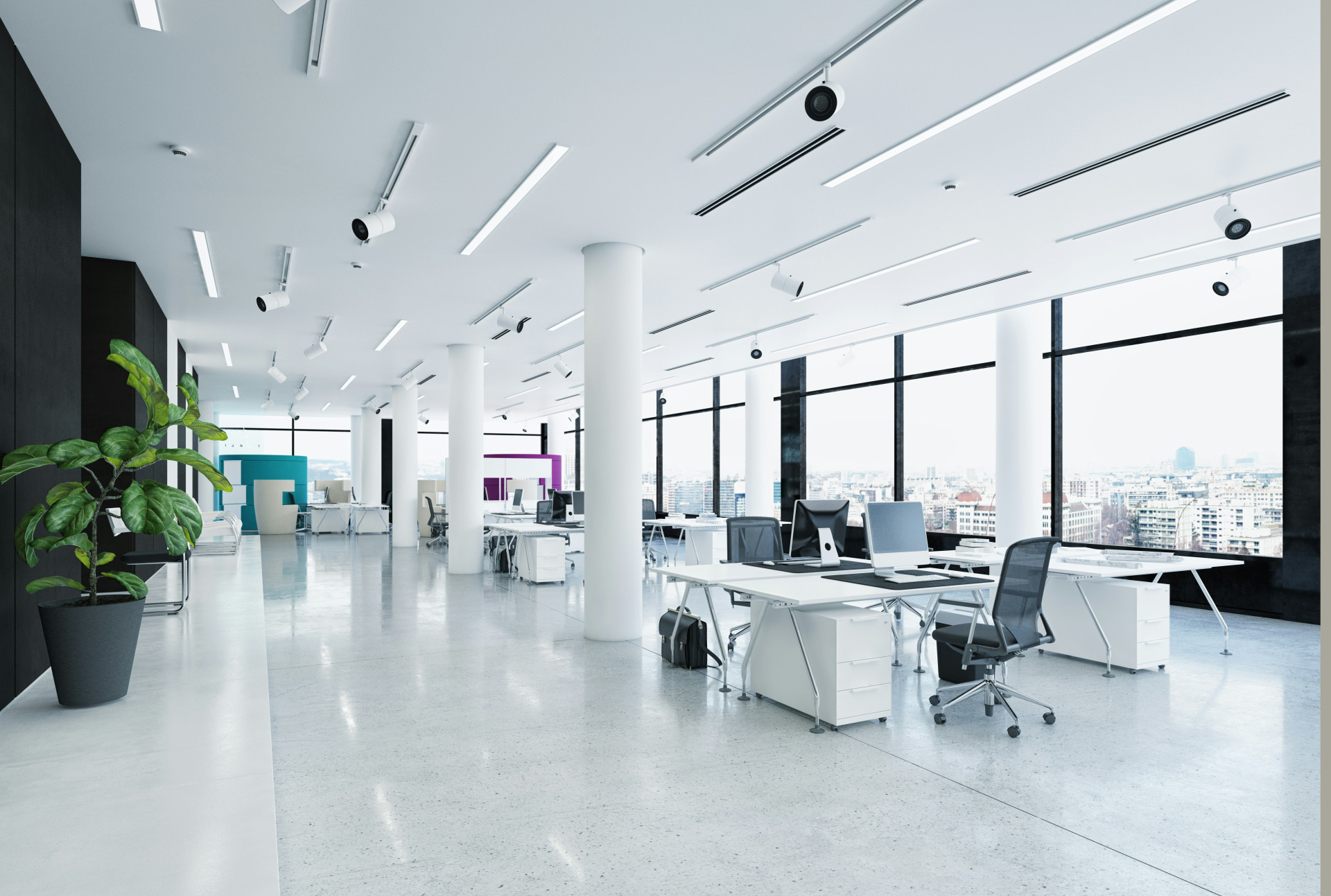
Enhance your workspace: Discover the benefits of a screen arm today!
What is a Screen Arm?
A screen arm, also known as a monitor arm, is a mounting device that holds your computer monitor off the desk. These adjustable arms allow you to position your screen at the perfect height, angle, and distance for maximum comfort and efficiency.
Screen arms come in various designs and can support one or multiple monitors. They typically feature articulation points that enable you to tilt, swivel, and rotate the screen, making it easy to adjust your workspace according to your needs.
Improved Ergonomics
One of the most significant benefits of using a screen arm is enhanced ergonomics. A poorly positioned monitor can lead to neck and eye strain. By adjusting your screens height and angle, you can maintain a neutral and comfortable posture.
The ideal monitor height is at eye level, with the top of the screen aligned with your line of sight. This position helps reduce the chances of slouching or craning your neck. Additionally, having your monitor at the right distance (typically 20-30 inches away) can minimize eye fatigue.
Maximized Workspace Efficiency
Clutter can hinder productivity, and using a screen arm is an effective way to declutter your desk. By elevating your monitor, you free up valuable desk space for other essential items, such as documents, gadgets, or even office decor.
An organized workspace can enhance focus and efficiency. With more space available, you can implement organizational tools like file trays or stationery holders, leading to a cleaner and more pleasant working environment.
Increased Flexibility
Another advantage of a screen arm is its flexibility. Whether you work in a multi-monitor setup or switch between tasks frequently, a screen arm can adapt to your requirements. You can easily reposition your monitors to create the optimal layout for your daily tasks or collaborate with colleagues.
Many screen arms also provide quick adjustments. Whether you tilt your screen for a more comfortable view while focusing on a detailed document or swivel it to share your screen with a coworker, a screen arm makes these transitions seamless.
Enhanced Aesthetics
In todays modern workspace, aesthetics matter. A screen arm not only adds functionality but also elevates the overall look of your desk. With sleek designs available, you can choose a screen arm that complements your office style.
By minimizing cables and creating a clean setup, a monitor arm contributes to a sophisticated appearance. Many models feature cable management systems that keep cords organized and hidden, further decluttering your workspace and creating a visually appealing environment.
Potential Health Benefits
Investing in a screen arm can go beyond just comfort; it can also positively impact your health. Prolonged periods of poor posture can lead to issues such as headaches, back pain, and repetitive strain injuries.
By promoting an ergonomic workspace, a monitor arm encourages better posture, reducing the likelihood of these health concerns. Furthermore, it allows for more movement throughout your workday, as you can easily adjust your screen or even stand at your desk to prevent stiffness.
Easy Installation and Adjustment
Screen arms are generally easy to install and require little technical knowledge. Most models come with clear instructions and all the necessary hardware to set them up in minutes.
Once installed, adjusting your screens position is typically effortless. Many screen arms offer simple mechanisms that enable smooth movements, ensuring you can personalize your workspace without hassle.
Final Thoughts
Whether you spend hours working on a computer or simply want to enhance your desk setup, a screen arm can be a game-changer. It offers numerous benefits, from improved ergonomics to increased workspace efficiency. With a variety of design options available, finding a screen arm that meets your needs is easier than ever. By elevating your monitor, you can create a comfortable, stylish, and productive workspace.